Programme Notes
Notes from the podium.
What shipped in Maestro, why it was built that way, and what we learned running agents for days at a time.
Latest · Engineering ·
The software factory: from a bug report to a reviewed fix
A user clicks Feedback in Maestro. What comes back is a pull request that an agent wrote, two review bots argued over, and a gate held until it scored 4/5 or better. A person still tests the build and merges. These are the Cue pipelines in between.
Read the note →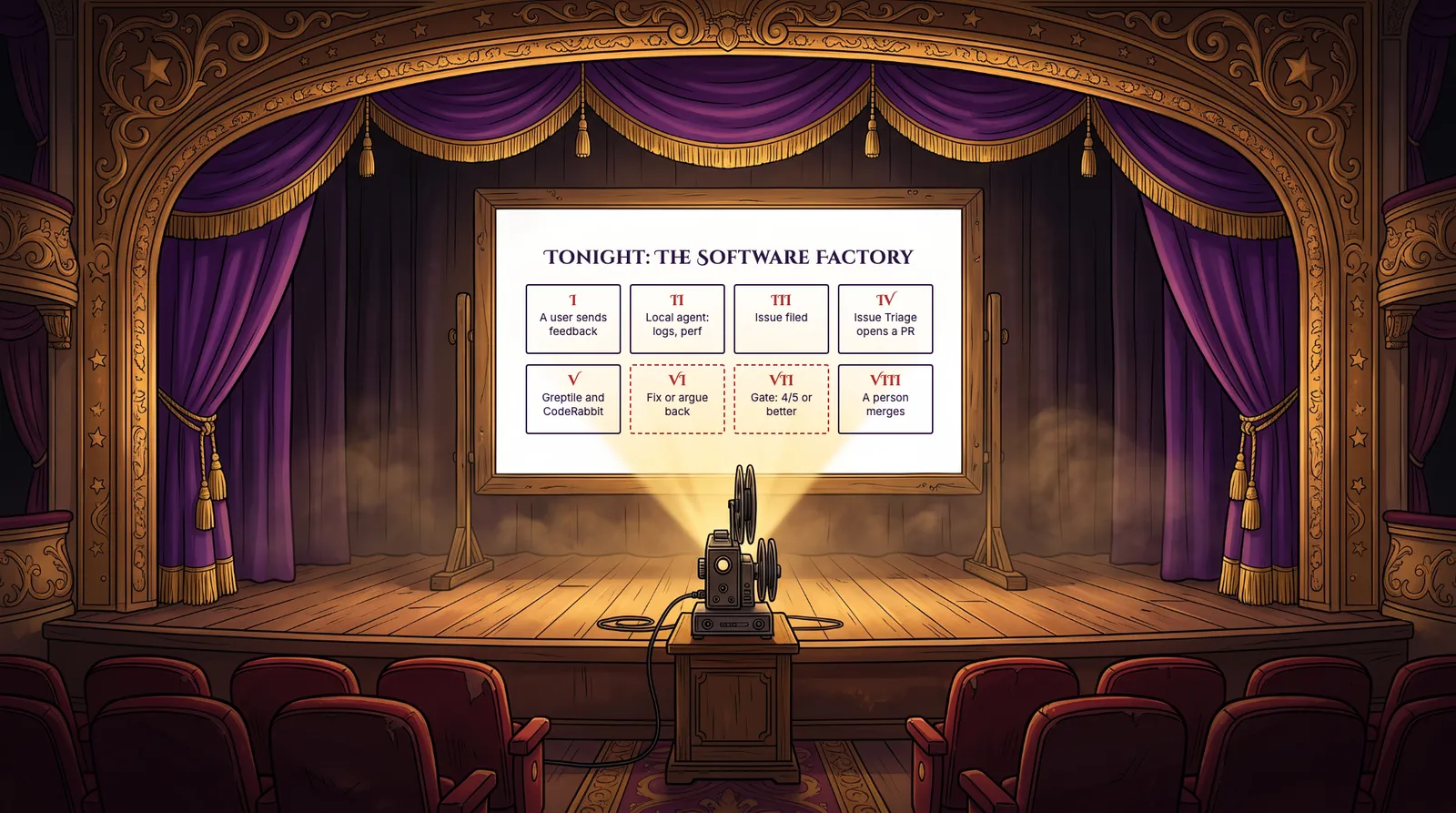
Tags cue 8 maestro-cli 6 automation 4 pipelines 3 auto-run 2 scheduling 2 usage-dashboard 2
Notes tagged Show all
2026
- IX The software factory: from a bug report to a reviewed fix A user clicks Feedback in Maestro. What comes back is a pull request that an agent wrote, two review bots argued over, and a gate held until it scored 4/5 or better. A person still tests the build and merges. These are the Cue pipelines in between.
- VIII Maestro 1.0.3: the follow-up comes back to your tab Scheduled prompts now return to the conversation that asked for them. Settings search flips switches for you, themes follow your device, and env vars take plain .env text.
- VII Spend expiring quota on the playbooks you never ran Subscription plans hand out quota that expires at a reset, and most Maestro users have Auto Run playbooks they wrote and never ran. A Cue pipeline trades one waste for the other: it checks whether quota is really about to expire, picks the oldest unfinished playbook, reviews it for drift, and runs it in its own worktree.
- VI Balancing a fleet of agents across several accounts When several subscriptions feed one fleet, which agent should spend which account changes by the hour. A Cue pipeline that wakes every six hours, measures which agents actually burn tokens, and moves them to the account with room. Our worked example is Claude Max; the per-agent account switch works the same way for Codex.
- V A Maestro-native reminder system Maestro has no reminder feature, and you do not need one. Auto Run documents, maestro:// deep links, the session store, Cue and maestro-cli assemble into a to-do list that stays on screen, links back to its source conversation, and updates the moment you tick a box.
- IV Graph engineering when the graph never sleeps Most graph engineering advice assumes a graph that starts when you prompt it and ends when it answers. A Cue pipeline runs all night with nobody watching. That changes which failures hurt, and the fixes come out close to inverted.
- III Maestro Cue: agents that pick up work on their own Cue is the trigger engine in Maestro. You say what should happen and what sets it off, and your agents act on a schedule, on a file change, or on a pull request. You do not have to write the config: the agent in the app builds the pipeline for you.
- II The @maestro message bus: an agent on the other end of your chat Type @maestro into an iMessage, Signal, Slack or Discord thread and a Maestro agent picks it up, does the work with real tools, and replies in the same thread. One pattern covers all four channels; this post is that pattern, what changes per channel, and the gotchas that make each one harder than it looks.
- I File every voice memo as a dated note with Cue Apple Voice Memos already transcribes on device and hides the text inside the audio file. A small script pulls it out, and a two-step Cue pipeline hands each transcript to any agent Maestro runs, which titles it and files it as a dated note.